🗺️
Route Management
Build optimized routes for your team in minutes — not hours. Assign stops, drag to reorder, and push routes directly to your team's phones with one tap.
📋
Job Tracking
Schedule one-time and recurring jobs from a single screen. Set it once — ZERBIQ handles the rest for weekly, biweekly, monthly, and quarterly jobs automatically.
💰
Invoicing & Payments
Generate invoices the moment a job is marked complete. Send via email or SMS with one click. Collect card payments, ACH, or cash — your choice.
💬
Two-Way SMS Messaging
Communicate with customers the way they prefer — text. Send appointment reminders, job updates, invoice links, and follow-ups directly from ZERBIQ.
🚗
Technician On The Way
When a tech is headed to a job, one tap sends the customer an automatic SMS: their tech's name, estimated arrival time, and a confirmation of what's being done.
📊
Customer CRM
Every customer gets a complete profile: contact info, service history, invoices, notes, photos, and equipment logs — all in one place.
📱
Mobile Team View
Your techs get a clean view of their day: where to go, what to do, and how to log it. Available as a native app on iOS and Android, and runs in any browser on any smartphone.
🗺️
Mileage Tracking
Team members log mileage from their phone. IRS reimbursement rates calculated automatically. Know your vehicle costs per job and per route.
📤
Data Export
Export any data — customers, jobs, invoices, routes, team — to CSV or PDF at any time. Full account ZIP export available.
🌐
Customer Portal
Every customer gets a private portal — sign in by secure link or one-time code, view service history with visit photos, pay invoices online (card & ACH, requires a connected payment processor), submit service requests, and update contact preferences. No password required. No add-ons, no upcharges.
📈
Reports & Analytics
Revenue by route, tech, or service type. Overdue invoice aging. Customer retention rates. Job completion percentages.
🗓️
Schedule & Dispatch Board
See every job for the day in a calendar view by tech or route. Drag to reschedule. Spot gaps. Respond to last-minute changes without a single phone call.
📦
Materials & Inventory
Track every product, chemical, and supply your team uses in the field. Log usage per job, set reorder points, and know your stock levels at all times.
🌟
Review Request Automation
After a job is completed, ZERBIQ automatically sends a review request via SMS or email. More reviews, less asking.
📅
Appointment Reminders
ZERBIQ automatically sends customers a reminder before every scheduled job. Reduce no-shows and last-minute cancellations without lifting a finger.
🔔
Automated Reminders & Notifications
Invoice overdue? ZERBIQ reminds the customer automatically. Job not completed on time? You get notified. Set your rules once and ZERBIQ runs them every day.
📅
Holiday Management
Tell ZERBIQ once which days you're closed. It handles the rest — skip the service, bump it to the next day, or schedule a makeup visit. Customers get automatically notified so you're not fielding calls wondering why no one showed up.
🔄
Billing Cycles
Create named billing cycles — monthly on the 1st, bi-weekly, quarterly — and assign routes to them. At the end of each cycle, ZERBIQ generates one clean invoice per customer. No manual tallying, no missed charges.
🔩
Parts on Order
When a job is waiting on a part, ZERBIQ tracks it — what's needed, what PO it's tied to, and when it's expected. When the part arrives you're notified and the return visit gets scheduled.
🎨
Custom Branding
Upload your logo and set your brand color. Every invoice, estimate, customer portal, and notification your customers see carries your identity — not ours. Included with every plan.
☀️
Light Mode and Dark Mode
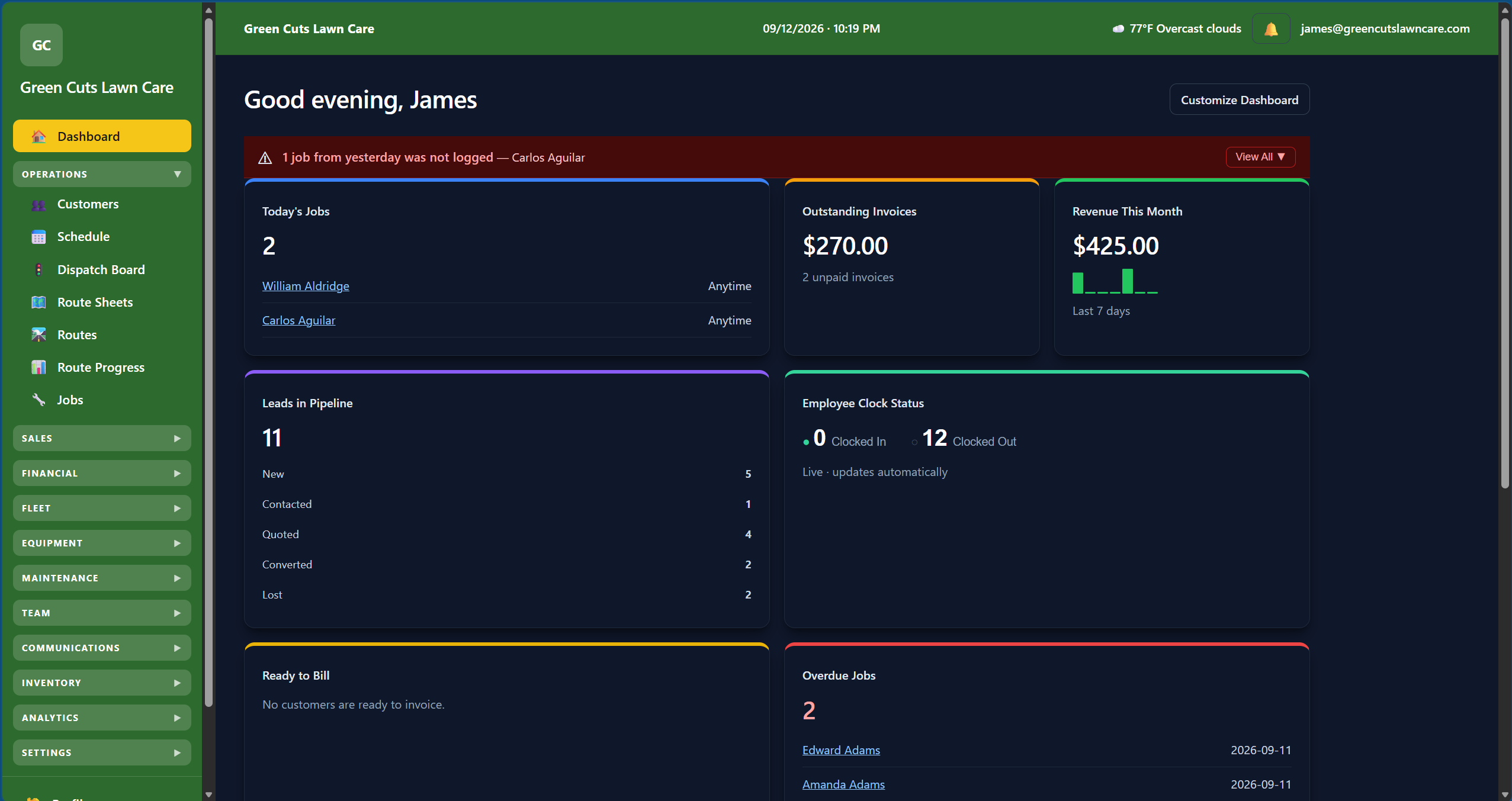
Switch between a clean light mode and a deep dark mode from the top bar. Your preference is saved to your account and follows you across every device.
⚡
Personalized Shortcuts Bar
Each user drags any item from the left menu and pins it below the header — one click away, always visible, completely personal. Up to six shortcuts per user. No one else's setup is affected.